How to tell if AI is actually helping your team
Measure AI at work with three numbers per workflow: time to a usable first draft, rework rate, and whether output follows your team's decisions.
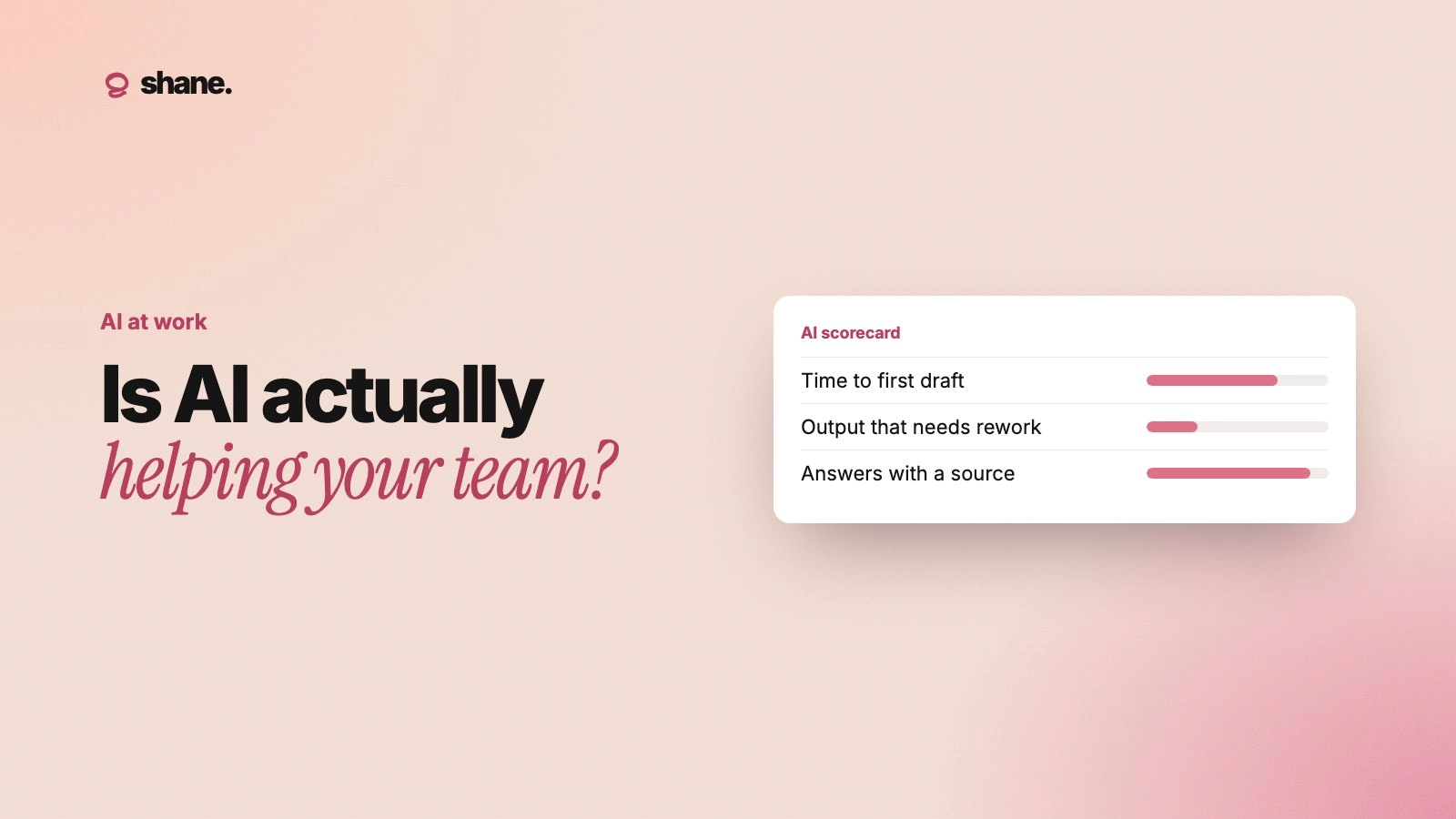
To tell if AI is actually helping your team, pick three or four specific workflows, measure them before and after, and track three things: time to a usable first draft, how often the output needs rework, and whether the output follows decisions your team already made. Licence counts and "AI usage" dashboards tell you people opened a tool. They don't tell you whether the work got better.
Most teams skip this step. AI spreads one person at a time, and by the time anyone asks "is this working?", there is no baseline to compare against. This post shows how to set one up in a week, without a data team.
Why usage numbers mislead
AI use at work is now common. Gallup reports that 52% of U.S. employees use AI at work at least a few times a year, 30% a few times a week or more, and 15% daily. Most companies also run many tools: BetterCloud found the average company runs 27 AI-powered SaaS apps.
High usage is easy to mistake for value. A team can use AI every day and still:
Spend the saved drafting time fixing the output.
Ship work that contradicts last month's pricing or product decisions.
Do the same work twice because nobody knew a teammate's AI had already done it.
So measure outcomes on real work, not activity in a tool.
Step 1: Pick workflows, not "AI"
"Is AI helping?" is too broad to answer. "Is AI helping us write support replies?" is not. Pick three or four workflows that are:
Frequent. Done weekly or more, so you get enough examples.
Comparable. Each instance is roughly the same size, like one proposal or one reply.
Owned. A named lead can review the output.
Good candidates: first drafts of sales proposals, support replies to common questions, release notes, weekly status updates and first-pass code review.
Step 2: Measure three things
For each workflow, track the same three numbers.
Measure | What it tells you | How to collect it |
|---|---|---|
Time to a usable first draft | Whether AI saves time at the start | Ask people to note start and "good enough to edit" times for two weeks |
Rework rate | Whether the time saved comes back later | Count drafts that needed substantial changes after review |
Decision accuracy | Whether output follows what the team decided | Check drafts against a short list of current decisions |
The third measure is the one most teams miss. A proposal that took ten minutes but quoted old pricing did not save time. It created a risk.
How to check decision accuracy
Write down five to ten decisions that each workflow must respect, such as current pricing, refund rules, product names or launch dates. When the lead reviews a draft, they tick whether it got each relevant one right. If you keep a decision log, use it as the checklist.
Step 3: Get a baseline in one week
You don't need months of data. For one week, run each workflow the way your team does today and record the three measures for every instance. If some people already use AI and some don't, record which is which.
Keep it light:
A shared sheet with one row per instance.
Columns for date, person, workflow, used AI (yes/no), minutes to first draft, needed rework (yes/no), decisions checked and decisions correct.
Two minutes per entry, at most.
If logging takes longer than the work, people will stop.
Step 4: Change one thing, then measure again
Make one change per workflow and run the same log for another week or two. Useful changes to test:
Give the AI the context first. Paste or connect the current decisions before drafting, instead of correcting after. See context engineering for teams.
Share the best prompt. Turn the strongest person's approach into a shared skill. See turning one person's prompt into a team skill.
Add a review step. A quick check against the decision list before anything goes out.
Changing several things at once makes it impossible to tell which one helped.
Step 5: Read the results honestly
Compare before and after for each workflow:
Faster and accurate: AI is helping. Write down what made it work and share it.
Faster but less accurate: The time saving is fake. The usual cause is missing context, not a bad model. See why every AI chat starts from zero.
No faster: The workflow may not suit AI yet, or people are spending the saved time re-explaining context in every chat.
Uneven across people: One person has a working approach the others don't. That's a sharing problem, not an AI problem.
What not to measure
Number of prompts or messages. More messages often means the AI needed more correcting.
Self-reported "hours saved" surveys alone. People overestimate. Pair them with the log.
Company-wide productivity numbers. Too many other things move them.
Report it in one page
Leaders need a short answer, not a dashboard. For each workflow, report: the baseline, what changed, the new numbers, and one sentence on why. If you want more on what leaders should ask, see what leaders should know about the AI their teams use.
FAQ
How long before we know if AI is helping?
Two to three weeks per workflow is usually enough: one week of baseline and one or two weeks after a change. Frequent workflows give you an answer faster.
Should we measure every AI tool separately?
No. Measure the workflow, and record which tool was used. Teams often use several tools for the same job, and the workflow is what you care about.
What's a good rework rate?
There's no universal number. What matters is the direction. If rework drops after you give the AI better context, you're on the right track.
Who should run this?
The lead who owns each workflow. They know what good output looks like, and they're the one who would have to fix the bad output anyway.
Start with one workflow this week
Pick the workflow where a mistake costs most, log it for a week, then give the AI the decisions it needs and log it again. You'll learn more from that one comparison than from any usage dashboard.
We're building Shane to keep your team's decisions and context in one place and hand them to every AI tool, so drafts follow what you've already decided. If that's a problem your team has, you can join the waitlist at tryshane.ai.