AI for support teams: keep every answer on current policy
How support teams stop AI from quoting old policy: one source of record per policy, effective dates, a change checklist and clear rules for automation.
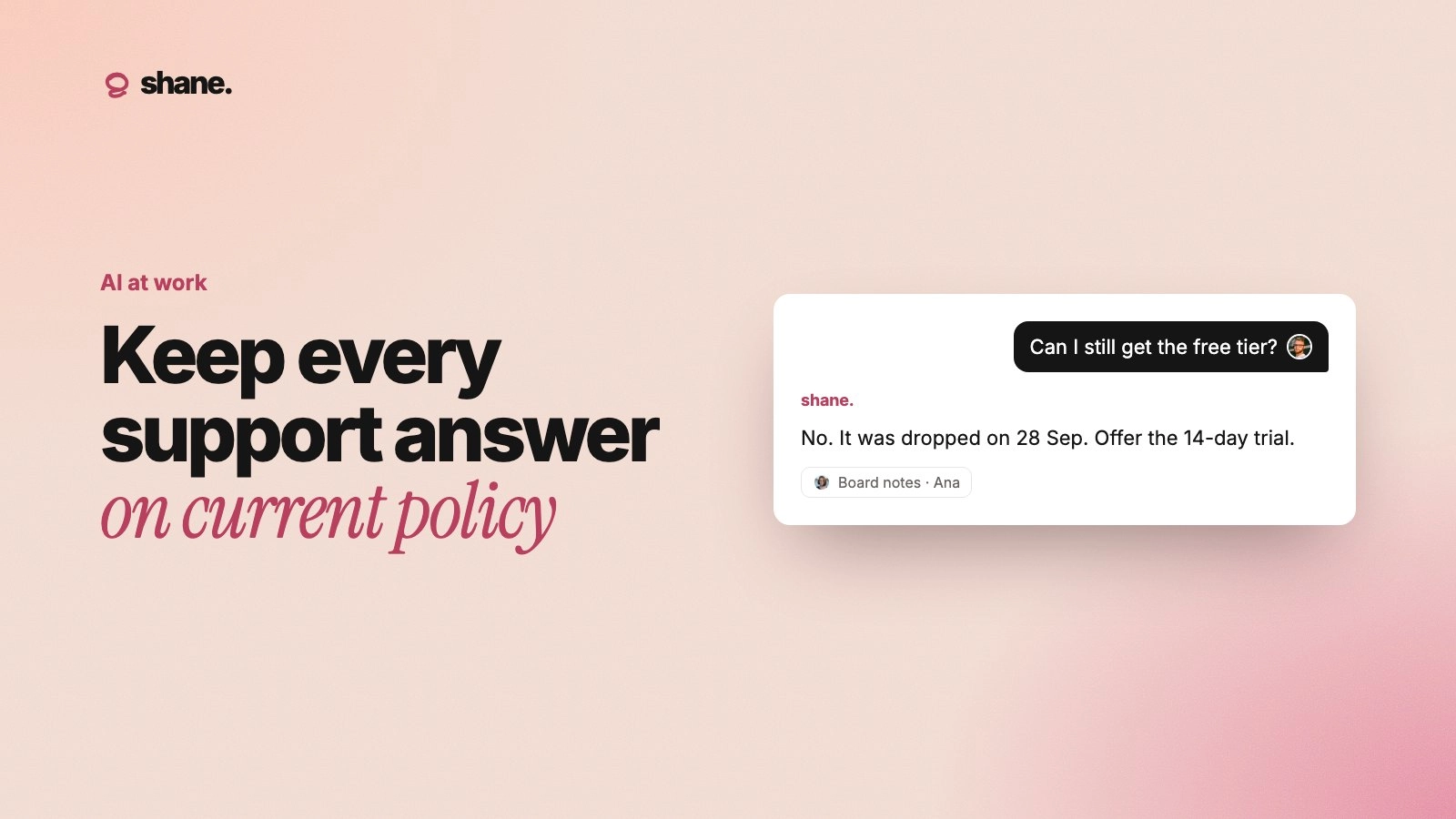
To keep AI support answers on current policy, give every policy one owner, one current version and an effective date, then make your AI tools read from that version instead of from macros, old tickets or pasted docs. When a policy changes, update the source first, then retire every copy that still says the old thing.
Support is where stale context gets expensive fastest. A wrong answer to a customer costs you a refund, a complaint or a public screenshot. This guide covers where outdated answers come from and how to stop them.
A wrong answer is still your answer
In 2024, a Canadian tribunal ruled on a case about Air Canada's website chatbot (Moffatt v. Air Canada). A customer asked the chatbot about bereavement fares. It told him he could apply for the discount after travel. The airline's own policy page said he couldn't. Air Canada argued the chatbot was responsible for its own words. The tribunal disagreed: the company is responsible for all the information on its website, whether it comes from a static page or a chatbot. Air Canada had to pay the difference.
The lesson for support teams is simple. Customers don't care which tool wrote the reply. If your AI drafts it, an agent sends it, or a bot answers on its own, it's your policy statement.
Where outdated answers come from
Most AI support mistakes aren't the model making things up from nothing. They come from old text the model was handed. Common sources:
Macros and saved replies. Someone updated the refund policy in the help center. Nobody updated the 14 macros that quote it.
Past tickets. Many AI support tools learn from resolved conversations. A ticket from last spring is a perfect example of last spring's policy.
Pasted docs in personal tools. Agents keep a "cheat sheet" in their own ChatGPT or Claude chat. Gartner found that 88% of employees with access to enterprise AI also use personal AI tools for work (reported here). Those chats don't get the update email. More on this in shadow AI at work.
Slack decisions that never left Slack. "From Monday we're waiving the setup fee for annual plans" lives in a thread. The AI tools never see it.
Give every policy a source of record
Pick the policies that customers ask about most and give each one a single page that is the source of record. Macros, bot answers and AI drafts should all point to it or be generated from it.
Policy | Owner | What the page must include |
|---|---|---|
Refunds | Head of Support | Who qualifies, time limits, exceptions, who can approve outside the rule |
Billing and plan changes | Finance lead | Proration, upgrade and downgrade timing, failed payment steps |
Shipping and returns | Ops lead | Regions, costs, return window, damaged item process |
Account access and security | Security owner | Identity checks, what agents can and can't reset |
Service levels | Head of Support | Response times by plan, what counts as urgent |
Each page needs three fields at the top: owner, effective date and status (current or replaced). The effective date matters more than people expect. A customer who bought before the change often keeps the old terms, and the AI needs to know which rule applies to which customer.
Write policies so a model can apply them
A policy written for lawyers is hard for a model to apply. Write it as rules and examples:
State the rule in one sentence. "Customers can get a full refund within 30 days of their first payment."
List exceptions as bullets, each with a reason.
Add two or three worked examples, including one edge case.
Say what to do when the rule doesn't fit: "Escalate to a team lead. Do not promise a refund."
For more on this, see how to write docs your AI tools can actually use.
Run a policy change like a release
Most stale answers happen in the week after a change. Treat each policy change like a small product release, with a checklist.
Update the source page first. New text, new effective date, old version marked as replaced with a link to the new one.
Find every copy. Search macros, help center articles, bot instructions and saved prompts for the old wording, not just the policy name. Search for the old numbers too, like "60 days" or "$49".
Update or delete each copy. Prefer linking to the source page over pasting its text again.
Tell the team, with the reason. One message: what changed, from when, who it applies to and why. Agents explain policies better when they know the reason.
Test the AI. Ask your support bot and drafting tool five real questions about the new policy. Include one from a customer who bought before the change.
Watch the first week. Review a sample of AI-drafted replies that mention the policy. Fix any source that's still leaking the old rule.
A worked example
Say your team moves from a 60-day refund window to 30 days on November 1. The source page is updated on October 28 with both rules and the effective date. Support searches macros for "60 days" and finds nine. Six get updated, three get deleted. The bot's instructions now say: "For purchases before November 1, apply the 60-day window." On November 3 a customer who bought in October asks for a refund on day 45. The AI drafts an approval under the old rule, because the source told it which rule applies. That's the result you want.
Set rules for what AI can say on its own
Not every answer should be automated. Split your topics into three groups:
AI can answer: How-to questions, order status, documented policy with no judgment needed.
AI drafts, a person sends: Refunds near the limit, plan changes with money involved, anything where the customer is upset.
Always a person: Legal threats, security incidents, exceptions to policy, anything involving a person's health or a death in the family.
Put these groups in the bot's instructions and review them quarterly. Guardrails for AI agents covers permissions and audit trails in more detail.
Measure freshness, not only speed
Support teams track response time and resolution rate. Add two checks for AI answers:
Policy accuracy rate. Each week, sample 20 AI-assisted replies that mention a policy. Count how many matched the current version.
Stale source count. How many macros, articles or prompts still quote a replaced policy? This number should trend to zero after each change.
If accuracy drops, the fix is almost always a source, not the model.
FAQ
Should we let AI learn from past support tickets?
They're useful for tone and problem solving, but risky for policy, because they record the policy at the time. Make sure current policy pages take priority, and exclude tickets older than your last major policy change where you can.
How often should we review support policies?
Review each source page when it changes and at least once a quarter. During the review, check the effective date and owner are still right, and search for copies that drifted.
What if an AI gives a customer the wrong policy?
Correct it quickly, in writing, and decide whether to honor what was said. Then trace the answer back to the source that caused it and fix that source. Log the decision so the next agent handles the same case the same way. See how to keep a decision log.
Do we need a separate knowledge base for the AI?
No. A separate AI knowledge base becomes one more copy that drifts. Keep one set of policy pages that both people and AI tools read.
Fix the source, not the reply
Every wrong AI answer about policy is a signal that a copy somewhere still says the old thing. Find it, fix it, and the next thousand answers improve at once. We're building Shane to keep each policy's current version, owner and history in one place, and hand it to every support agent and AI tool with the source attached. If that's a problem your team has, you can join the waitlist at tryshane.ai.