How to write docs your AI tools can actually use
Most AI tools read your docs in short chunks, not whole pages. Seven rules, an example and a 30-minute audit to write docs that ChatGPT and Claude can use.
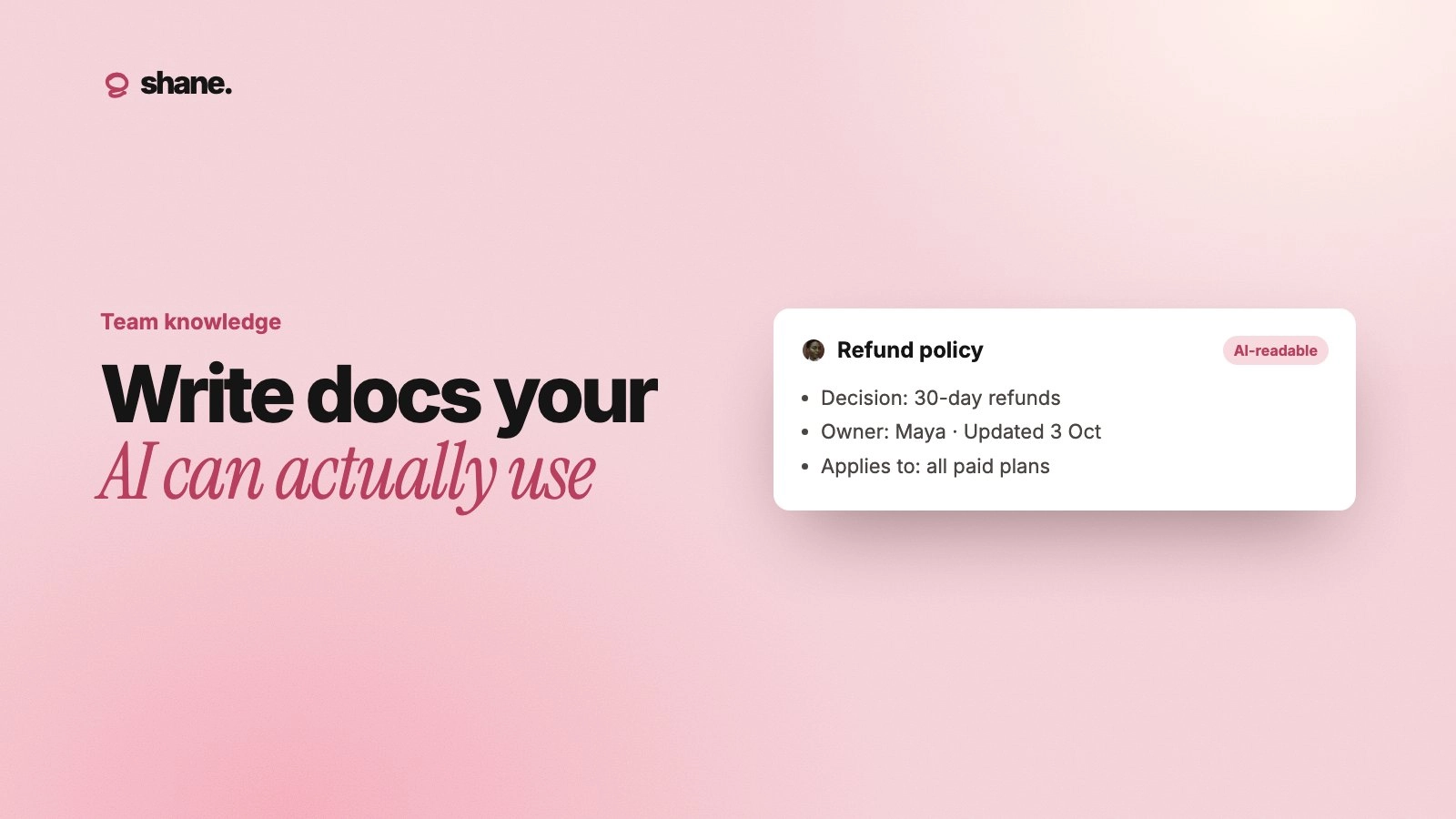
To write docs your AI tools can use, make every section make sense on its own, put the answer before the background, and mark clearly what is current. AI tools rarely read a doc top to bottom the way a new hire does. They pull out a few short pieces and answer from those, so each piece has to carry its own context.
This post explains how that retrieval works, then gives seven rules, a before-and-after example, and a quick audit you can run this week.
How AI tools actually read your docs
When you connect a drive, upload files to a project, or point an agent at a knowledge base, the tool usually does not load every document into the model. It splits each file into chunks, finds the chunks that look most relevant to the question, and passes only those to the model.
OpenAI's retrieval guide states the default plainly: "every file is indexed by being split up into 800-token chunks, with 400-token overlap between consecutive chunks." That is a few hundred words per chunk. Other tools use different sizes, but the idea is the same.
Anthropic's post on contextual retrieval shows the problem this creates. A chunk from a financial filing reads: "The company's revenue grew by 3% over the previous quarter." On its own, that chunk does not say which company or which quarter. The fact was in the document, just not in the piece the model saw.
Your docs have the same problem. "We agreed to drop it" means nothing if the chunk does not say what "it" was. For background on how retrieval compares to memory and fine-tuning, see agent memory vs RAG vs fine-tuning.
Seven rules for docs AI can use
1. Put the answer first
Start each doc and each section with the fact or rule, then the reasoning. "Annual plans get a maximum 15% discount without approval" beats three paragraphs of history that end with the number. Retrieval favors the chunk that matches the question, and the answer should be in that chunk.
2. Make each section stand alone
Write each section as if someone landed on it from search. Name the product, team, customer or period instead of "this," "it" or "the above." Avoid "as discussed" and "see previous section." Repeating a noun costs a few words and saves a wrong answer.
3. Say what is current, and what it replaced
AI tools cannot tell a live policy from a 2024 draft unless you tell them. Add a status line at the top of every doc that states facts:
Status: Current, Draft, or Superseded
Replaces: the doc or decision it overrides
Replaced by: a link, if it is no longer current
When a doc is superseded, say so in its first line. Better still, archive it out of the folders your AI tools can see.
4. Date it and name an owner
Put a "Last reviewed" date and an owner's name near the top. Dates let the model, and the reader, prefer the newer of two conflicting answers. An owner gives someone a reason to keep it current. A decision log works on the same principle: each entry is dated, owned and short.
5. Use one name for one thing
If your plan is called "Growth" on the pricing page, "Pro" in the sales deck and "Tier 2" in finance, a search for one name may miss the others. Pick one name, use it everywhere, and list old names once in a glossary ("Growth, formerly Pro").
6. Write facts in text, not pictures
A pricing table pasted as a screenshot, a process drawn only as a diagram, or numbers that live in a chart may not be read at all, depending on the tool. Write the key facts in plain text next to any image. Keep tables simple: one header row, no merged cells, units in the header.
7. Keep one fact in one place
If the refund window appears in five docs, it will soon have three different values, and the AI will quote whichever chunk it finds first. Keep each fact in one owned doc and link to it from the others. This is the core idea behind a single source of truth.
A before-and-after example
A typical sales handbook section:
Discounts. As discussed in the Q3 offsite, we're moving away from the old approach. See the table above for the new tiers. Max is 15% unless approved, but enterprise is different (ask Dana).
Ask an AI tool "What discount can I give an enterprise customer?" and it has almost nothing to go on. "The old approach," "the table above," "enterprise is different" and "ask Dana" all point outside the chunk.
The same section, rewritten:
Discounts on annual plans (current, last reviewed 2 October 2026, owner: Dana Lee, Head of Sales). Sales reps can give up to 15% off annual Starter and Growth plans without approval. Enterprise discounts above 15% need written approval from the Head of Sales. Monthly plans get no discount. This replaces the 2025 policy that allowed 20% at quarter end.
Every sentence now stands alone. The model can answer the enterprise question, and a rep can check who to ask.
Quick reference: what goes wrong and how to fix it
What the doc does | What the AI does | Fix |
|---|---|---|
Buries the rule at the end | Answers from background text | Rule first, reasons after |
Uses "it," "this," "the above" | Loses the subject | Name the thing every time |
Keeps old and new versions side by side | Quotes the old one | Status line, archive old docs |
Has no date | Treats a 2024 note as current | "Last reviewed" date and owner |
Puts numbers in a screenshot | Misses them | Plain text next to the image |
Repeats a fact in five docs | Quotes the stale copy | One owned doc, links elsewhere |
Run a 30-minute audit
You do not need to rewrite everything. Start with what people actually ask.
List ten questions your team asks AI tools every week: pricing, refunds, release dates, who owns what.
Ask each question in the tools your team uses, with your docs connected.
Mark each answer right, wrong or vague.
For every wrong or vague answer, find the chunk it came from, or should have come from.
Fix that section using the rules above, then ask again.
Most teams find the same few causes: a stale duplicate, a missing date, or a rule buried under history. Fixing ten sections usually fixes far more than ten answers. For a wider process, see context engineering for teams.
FAQ
Do I need to rewrite all our docs for AI?
No. Start with the docs behind your most common questions, and apply the rules to new docs as you write them.
Is writing for AI different from writing for people?
Less than you might think. Answer first, clear names, dates and one source per fact also help a new hire who arrives from a search result. The main change is writing each section so it works without the rest of the page.
Does file format matter?
It can. Plain text with clear headings is easier for most tools to split and search than scanned PDFs or text inside images. If a key fact only exists in a picture, write it out.
Who should own AI-readable docs?
The person who owns the decision or process the doc describes. A central team can set the template and run the audit, but the facts need an owner close to the work.
The short version
AI tools answer from fragments, so write docs in fragments that hold up alone. Lead with the answer, name things fully, mark status and dates, keep facts out of pictures, and keep each fact in one place. Then test with the questions your team really asks.
We're building Shane to keep a team's current decisions and knowledge, with owners and dates, in one place that every AI tool reads from. If that's a problem your team has, you can join the waitlist at tryshane.ai.