Claude Projects vs ChatGPT Projects for teams: what each one shares
Shared ChatGPT projects let teammates see each other's chats. Shared Claude projects share files and instructions only. Here is how to pick for your team.
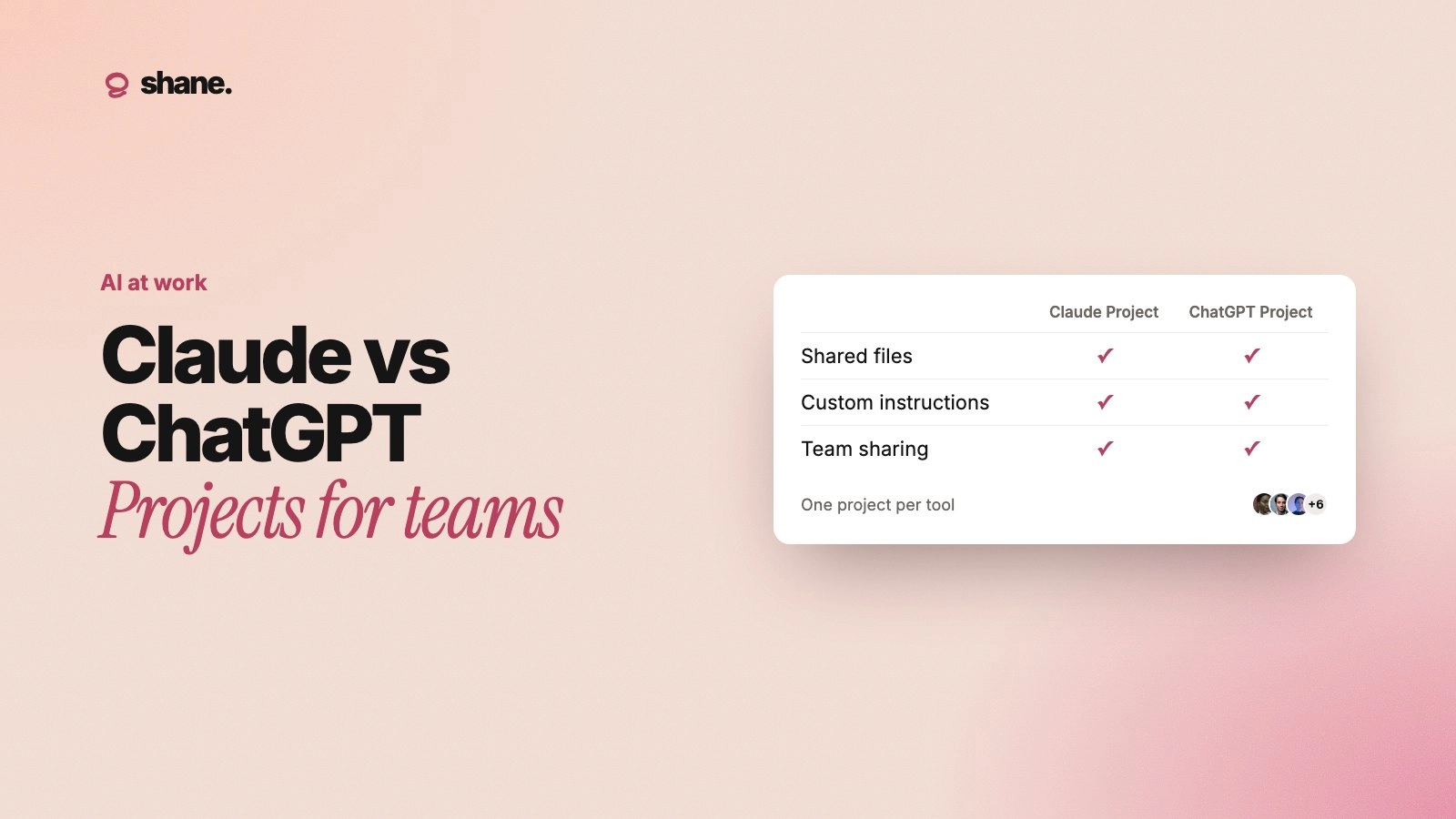
Claude Projects and ChatGPT Projects both give a team a shared workspace with files, instructions and chats, but they share different things. A shared ChatGPT project lets members see and continue each other's chats, while a shared Claude project shares its knowledge and instructions but keeps each person's chats private unless they share them.
That one difference changes how a team works in each. Details below come from Anthropic's and OpenAI's help centers as of October 2026. Both products change often, so check the linked pages before you set a team standard.
The short comparison
Claude Projects | ChatGPT Projects | |
|---|---|---|
Who can share | Team and Enterprise plans | Free, Go, Plus, Pro, Business, Enterprise and Edu |
Access levels | Can view, Can edit | Chat, Edit (plus the owner) |
Chats inside the project | Private to each member unless shared | Visible to members, who can continue or branch them |
Org-wide sharing | "Everyone at [your organization]" | Workspace link (Business, Enterprise, Edu), joins with chat access |
Groups | Enterprise, access follows group membership | Business, Enterprise, Edu workspace groups |
File limits | No file count stated; paid plans switch to retrieval as knowledge grows | 40 files on Business and Enterprise, 25 on Plus and Go, 5 on Free |
Live links to Drive or Slack | Google Drive in private projects only | Drive files and folders, Slack channels, added in a private project |
Memory | Each project has its own memory space | Shared projects use project-only memory |
Sources: Anthropic's What are projects? and project visibility and sharing, and OpenAI's Projects in ChatGPT.
What a shared Claude project shares
On Team and Enterprise plans, you choose a project's visibility when you create it. A public project is open to everyone in the organization, who can find it in the Organization tab and start a chat. A private project is visible only to people you invite. Invited members get one of two levels: Can view lets them see the knowledge and instructions and chat in the project, and Can edit lets them change instructions, knowledge and membership.
The key line in Anthropic's help: "Even if a project is public, your chats within that project will be private and inaccessible to other members of your organization unless you manually share them." A shared chat is a snapshot. Messages you send after sharing stay private unless you update the snapshot.
So a shared Claude project shares the setup: the knowledge base and the instructions. Each person's work in it stays their own.
Two more details matter:
Large knowledge bases. On paid plans, when project knowledge approaches the context limit, Claude switches to retrieval (RAG) and searches the files instead of loading them all. Anthropic says this expands capacity "by up to 10x."
Memory. Anthropic says each project has "its own separate memory space and dedicated project summary" (chat search and memory).
What a shared ChatGPT project shares
OpenAI describes a shared project as "a live context hub for ongoing work." ChatGPT "can draw from anything in the shared project, including chats, uploaded files and custom instructions," and members can pick up where others left off. Members can start new chats and branch a teammate's chat to try a different idea without changing the original.
Access comes in two levels. Chat lets members use the project's chats, files and instructions. Edit adds changing instructions and files and inviting others. Only the owner can remove members or delete the project.
Things to know before you roll it out:
Memory is walled off. Shared projects automatically use project-only memory and "do not have access to an individual member's context, custom instructions, or memories outside the project."
Limits. A workspace project can have up to 100 collaborators. Business, Enterprise and Edu projects hold up to 40 files.
Deleting files. Deleting a file in a shared project removes it for everyone.
So a shared ChatGPT project shares the setup and the work: files, instructions and the chats themselves.
Live sources versus uploaded copies
Both products let you link a live source instead of uploading a file, but only in private projects.
ChatGPT lets you paste Google Drive file and folder links or Slack channel links as project sources. OpenAI's steps begin with "Open your private project."
Claude's Google Drive connector "is only available when adding to Files in private projects. This option will be disabled for shared projects" (Google Workspace connectors). Docs added this way sync, so you work from the latest version.
So a team project usually runs on uploaded files, which are copies. When the source doc changes, the project copy does not.
Which one fits your team
Pick by how your team works.
Choose a shared ChatGPT project when people hand work to each other. A weekly report one person starts and another finishes, research that several people query, or drafts that pass between writer and editor all benefit from shared, branchable chats.
Choose a shared Claude project when many people run the same task on their own. Twenty account managers drafting renewal emails need the same playbook, not each other's threads. Private chats also make people more willing to experiment.
If your team uses both tools, you will keep two copies of the same context. That context is where your effort belongs: the model matters less than the context.
A worked example: security reviews
Say your team answers customer security questionnaires. You set up a "Security reviews" project with your data-retention policy, a summary of your last audit, and twenty past questionnaire answers. Instructions say: answer only from project files, flag anything not covered, never promise a date.
In ChatGPT, a sales engineer starts a questionnaire for one prospect, and a colleague picks it up the next day in the same chat. In Claude, each sales engineer works in their own chat, all from the same files and instructions.
Then in June the team stops offering on-premise deployment. Someone has to update the policy file, the past answers that mention on-prem, and the copies in the other vendor's project. If nobody does, both assistants keep offering on-prem with full confidence.
What neither project solves
They stay inside one product. A Claude project does not reach ChatGPT, Cursor or a custom agent, and the reverse is also true. For other ways to get context to agents, see how to give AI agents company context.
Files go stale. Uploaded files have no owner or review date. The project cannot tell you the pricing sheet is from last year.
Decisions made outside the project are invisible. A call that changes the plan never reaches the project unless someone updates it.
Permissions are per project. You cannot show one file to finance and hide it from contractors.
FAQ
Can I share a Claude project on the Pro plan?
No. Sharing is for Team and Enterprise plans. Pro users can still create projects for their own work.
Can teammates see my chats in a shared project?
In ChatGPT, yes: members of a shared project can see and continue its chats. In Claude, no: your chats in a project stay private unless you share them.
Does a shared project use my personal memory?
Not in ChatGPT: shared projects use project-only memory. In Claude, each project has its own memory space. For more, see AI memory explained.
Can I keep project files in sync with Google Drive?
Only in private projects, in both products. Shared projects rely on files someone uploads and keeps current.
The short version
Both products give a team a common setup. ChatGPT also shares the work in progress, while Claude keeps each person's chats private. Neither keeps your files current or carries decisions across tools. Pick the model that matches how your team works, keep files short and owned, and keep the facts in one source of truth that every project copies from.
We're building Shane to keep a team's decisions and knowledge in one place and hand them to Claude, ChatGPT and every other tool, so you stop maintaining a copy per project. If that's a problem your team has, you can join the waitlist at tryshane.ai.